Excel + Google Sheets templates
One file.
One file.
One answer.
Each Modulis file answers one money question. Type your numbers in the yellow cells and read the answer on the first screen. Ready in 5 minutes, no formulas to touch.
Free calculators
Get an answer for free.
Five calculators, one question each. No signup, any currency, and nothing you type leaves your browser.
Free calculatorWhen will you be debt-free?2 yr 11 moOpen the calculator Free calculatorWhat's left after bills?$570 leftOpen the calculator Free calculatorWill you make it 3 months ahead?$2,700 in 3 moOpen the calculator Free calculatorWhat do you really earn per hour?$7.20/hrOpen the calculator Free calculatorWhat do you keep on a sale?$4.80 keptOpen the calculator
Templates
Keep the answer in a file.
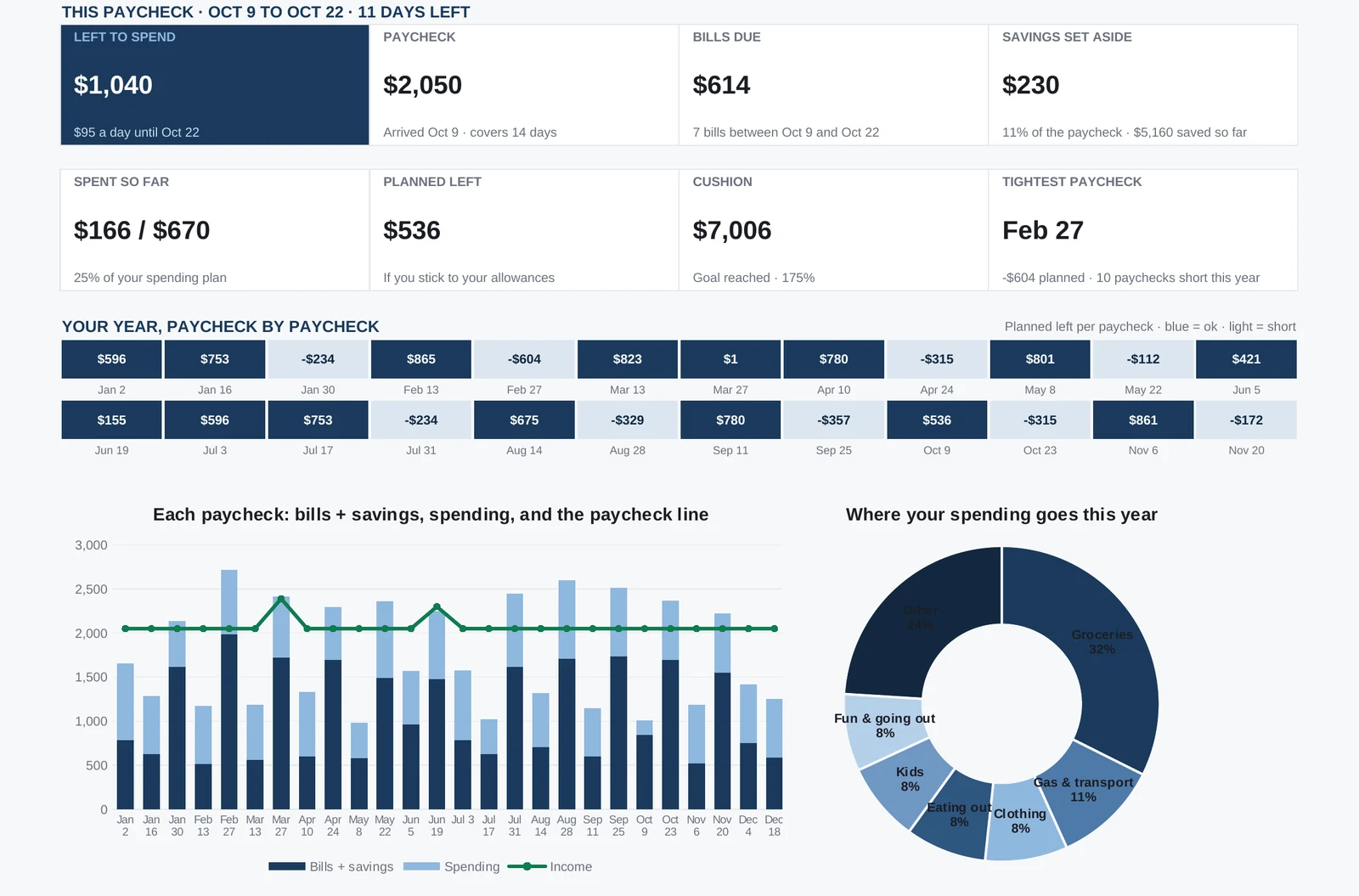
Four templates, one question each. Light dashboard for personal finance, dark for business, both looks in every file.
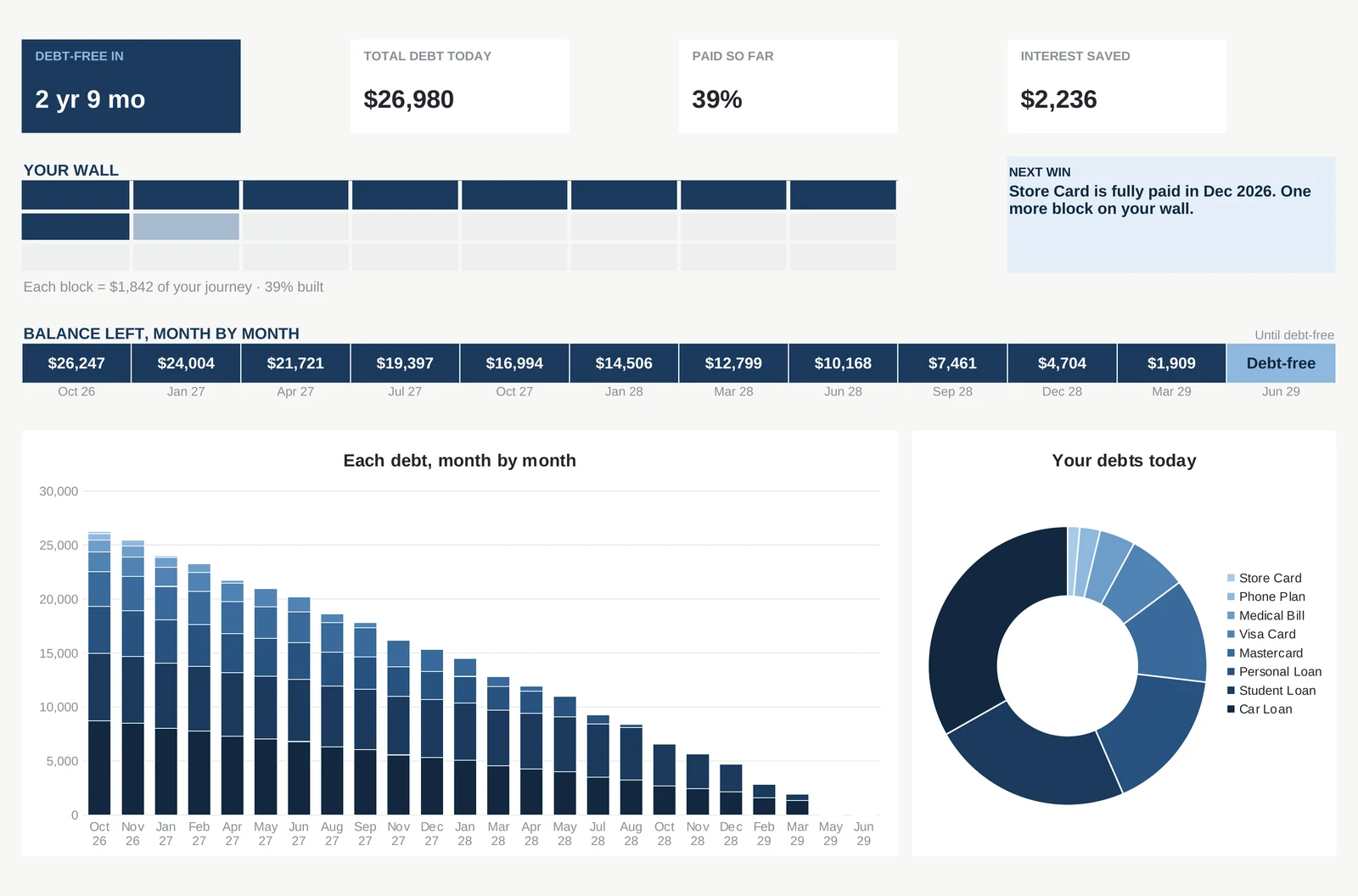
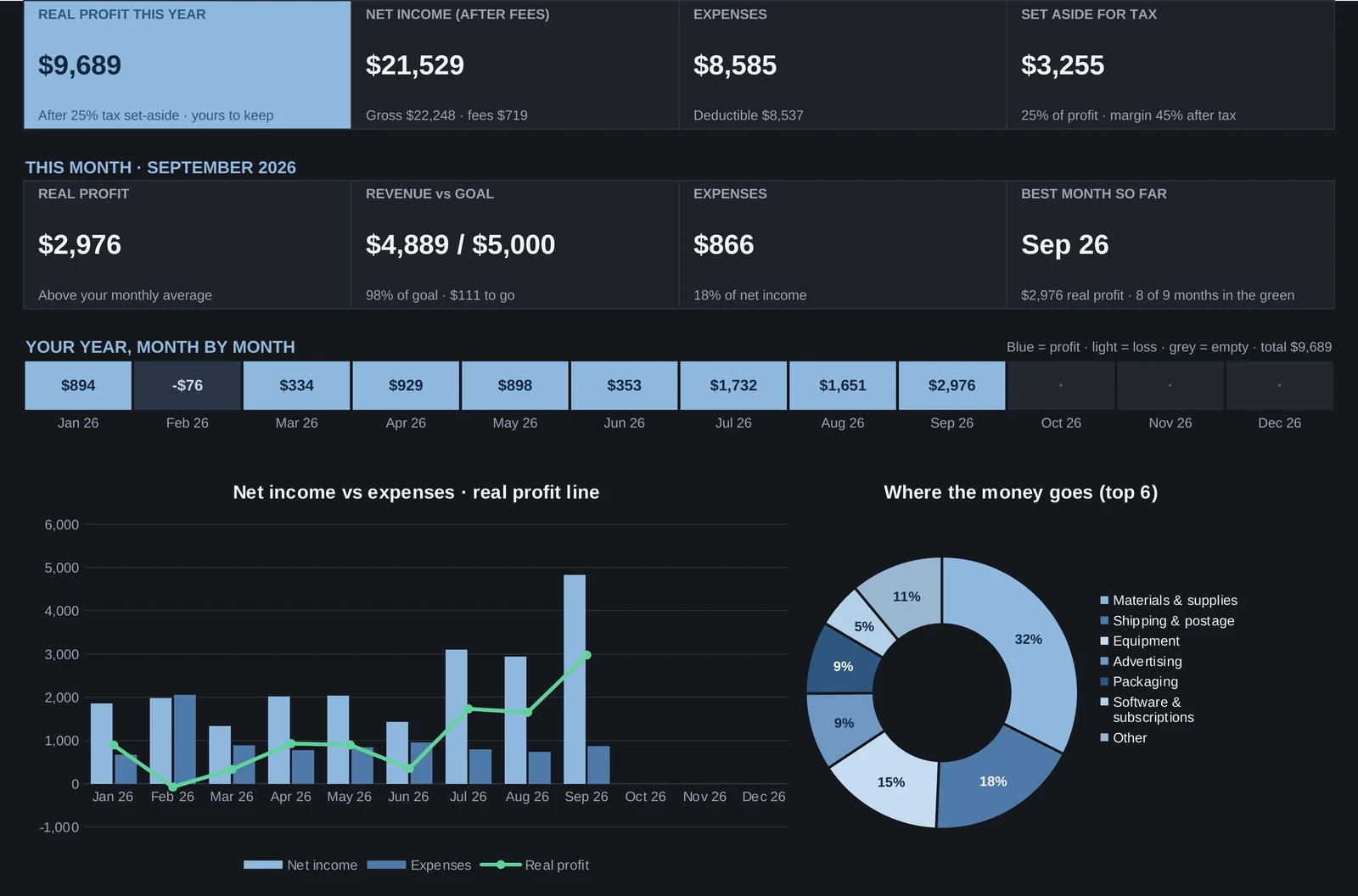
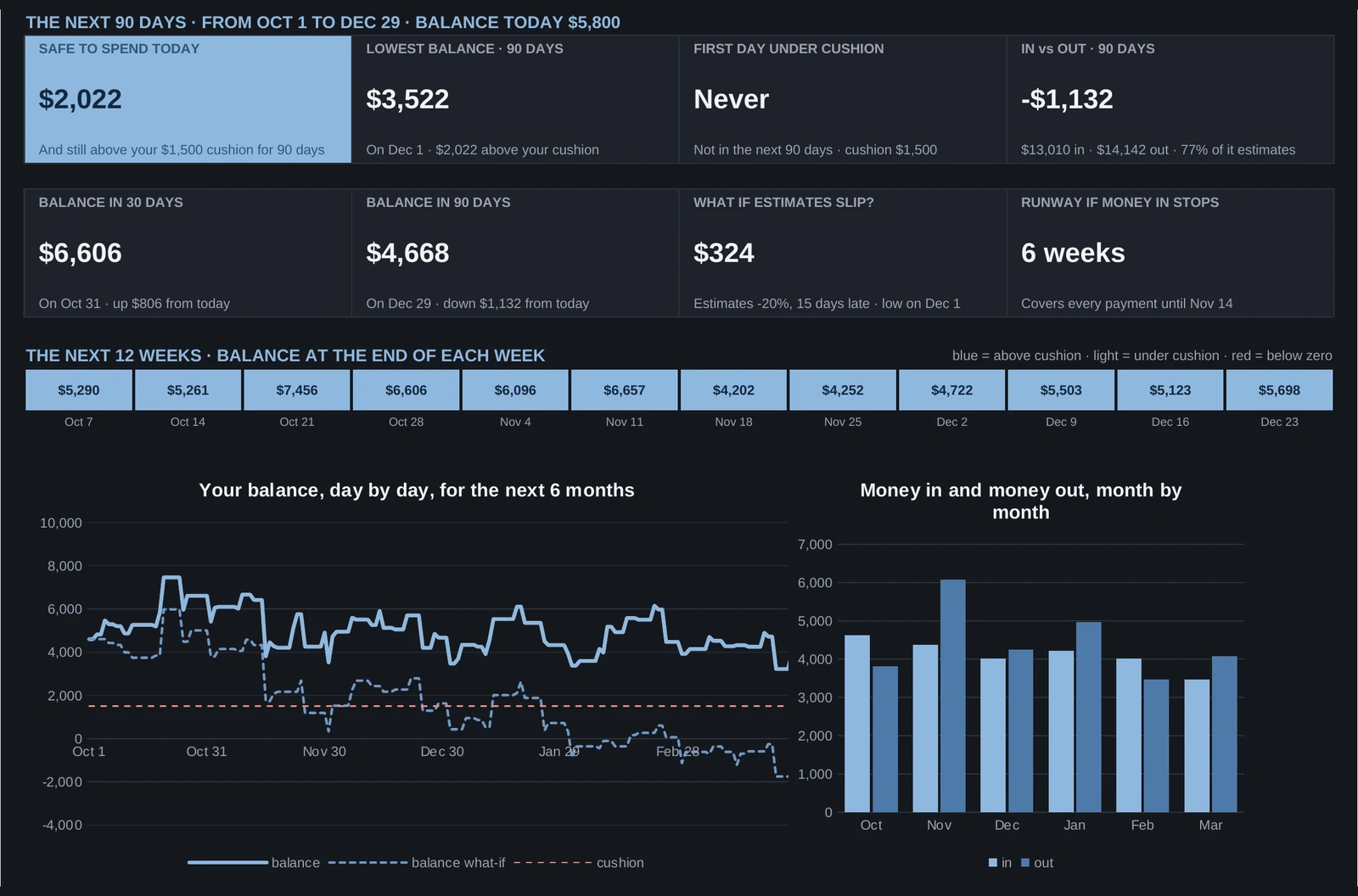
Real files, real sample numbersLight dashboard for personal finance, dark for businessBoth looks included in every file
How it works
Three steps. About 5 minutes.
No formulas to write, nothing to set up. You open the file, you type your numbers, you read the answer.
11 minute
Open the file
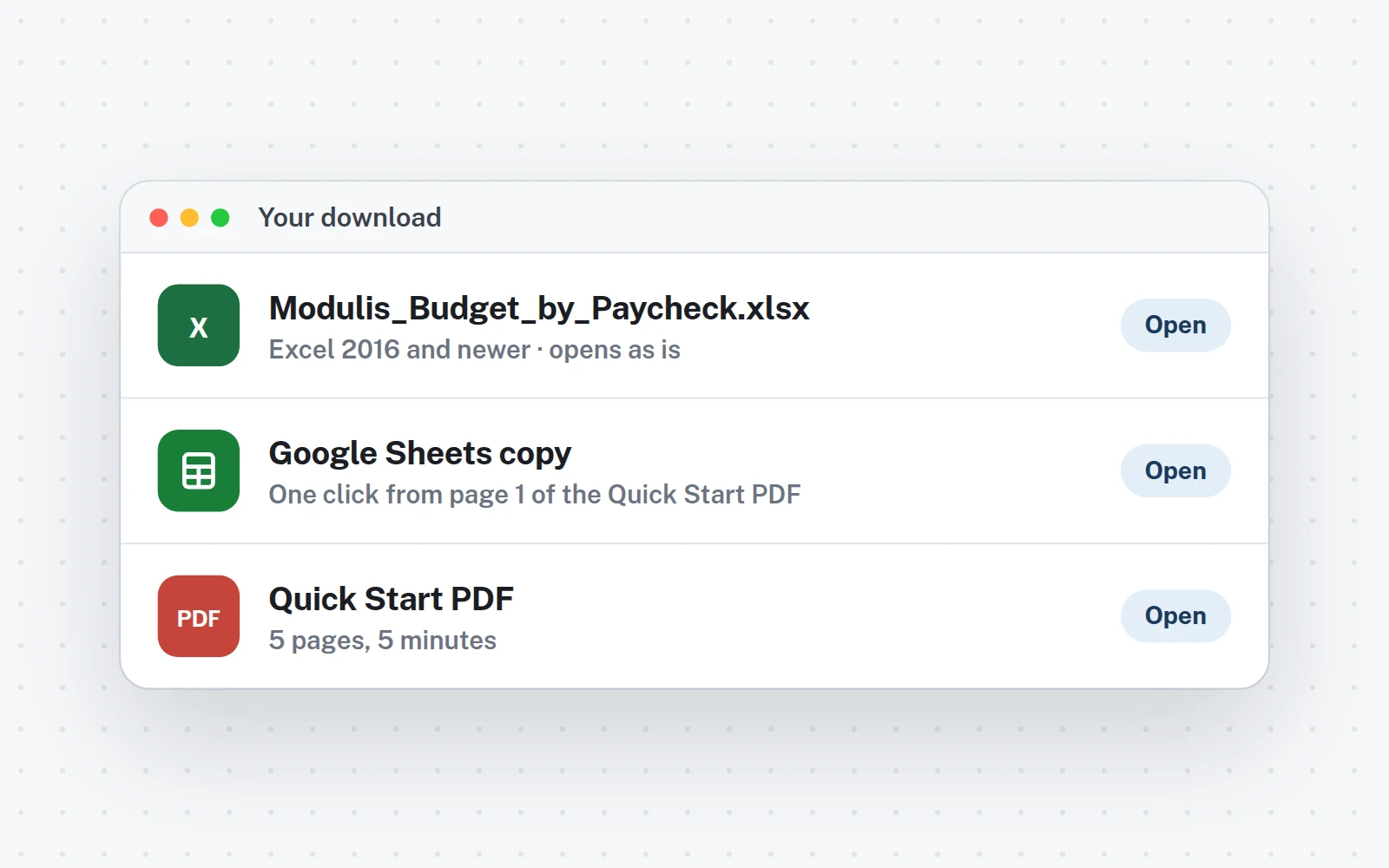
Excel or Google Sheets, your choice. The download has both: the .xlsx and a one-click Google Sheets copy.
23 minutes
Type your numbers
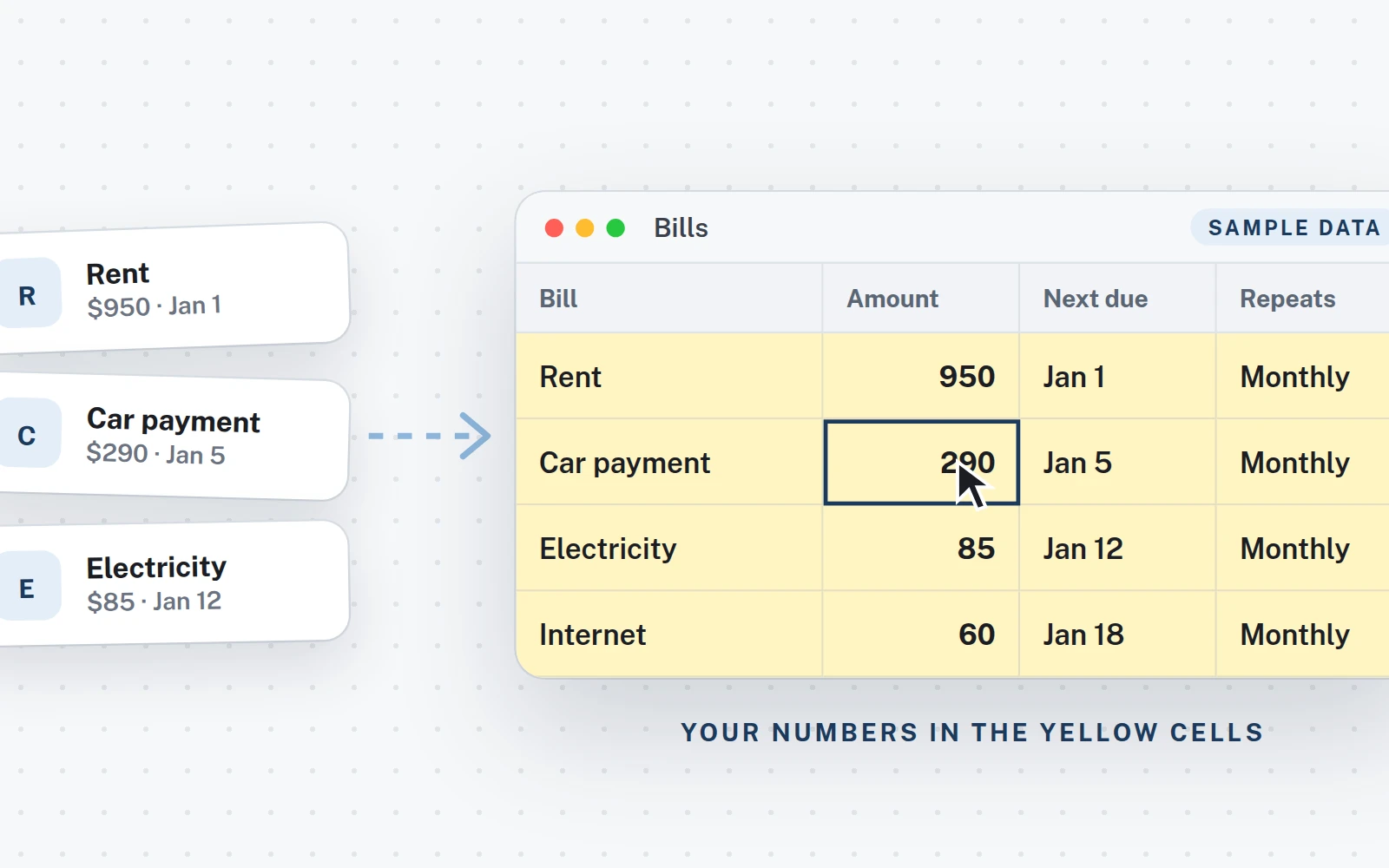
Only the yellow cells. Your bills, your debts, your sales. The sample numbers show you where everything goes.
3Instant
Read your answer
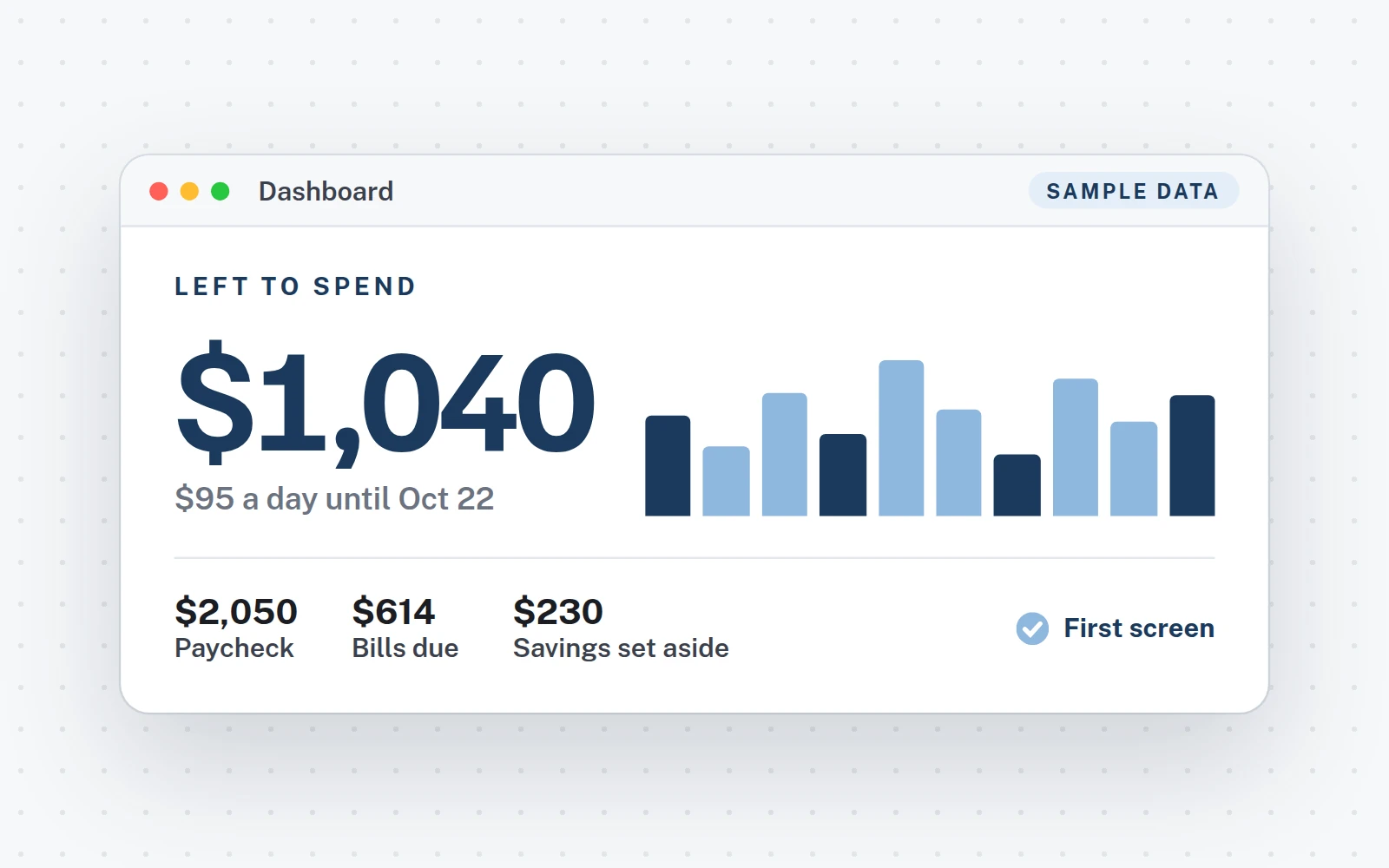
It is on the first screen, in big: what is left, when you are debt-free, what you really made. Charts and dark mode included.
See it work
Two minutes, the whole file.
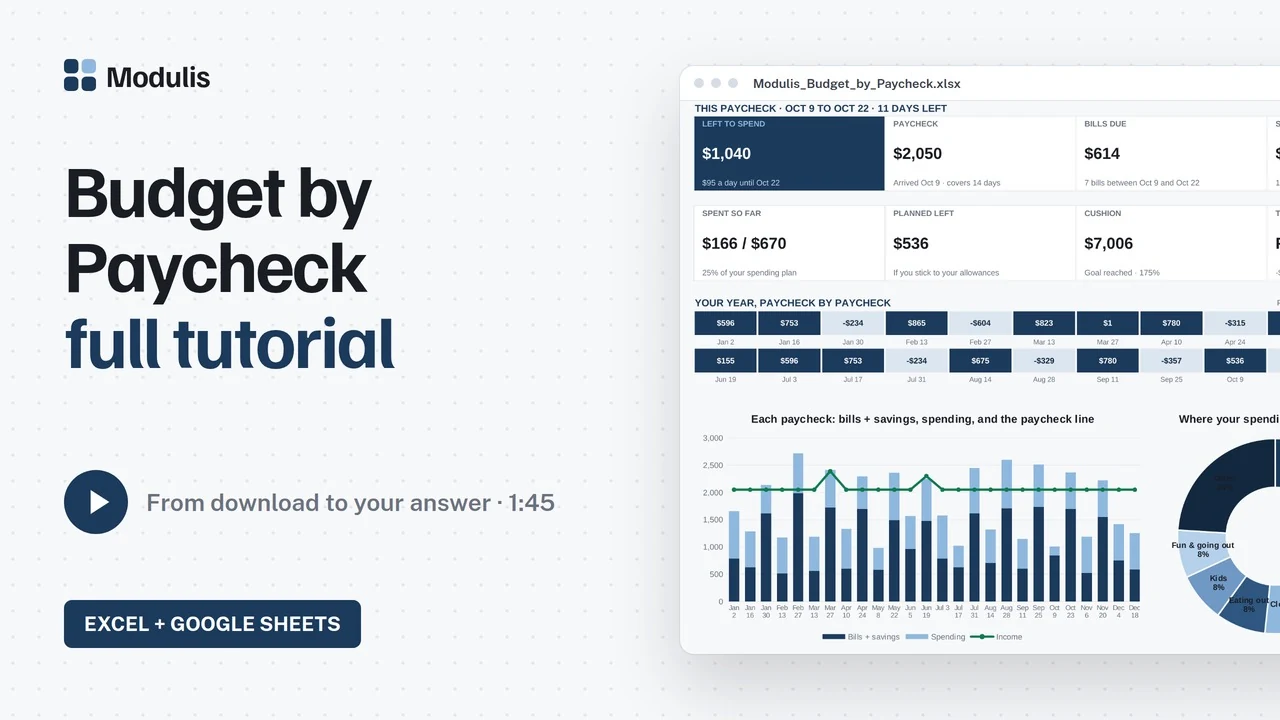
Every template has a real video tutorial, recorded in the file itself. Or try the debt demo
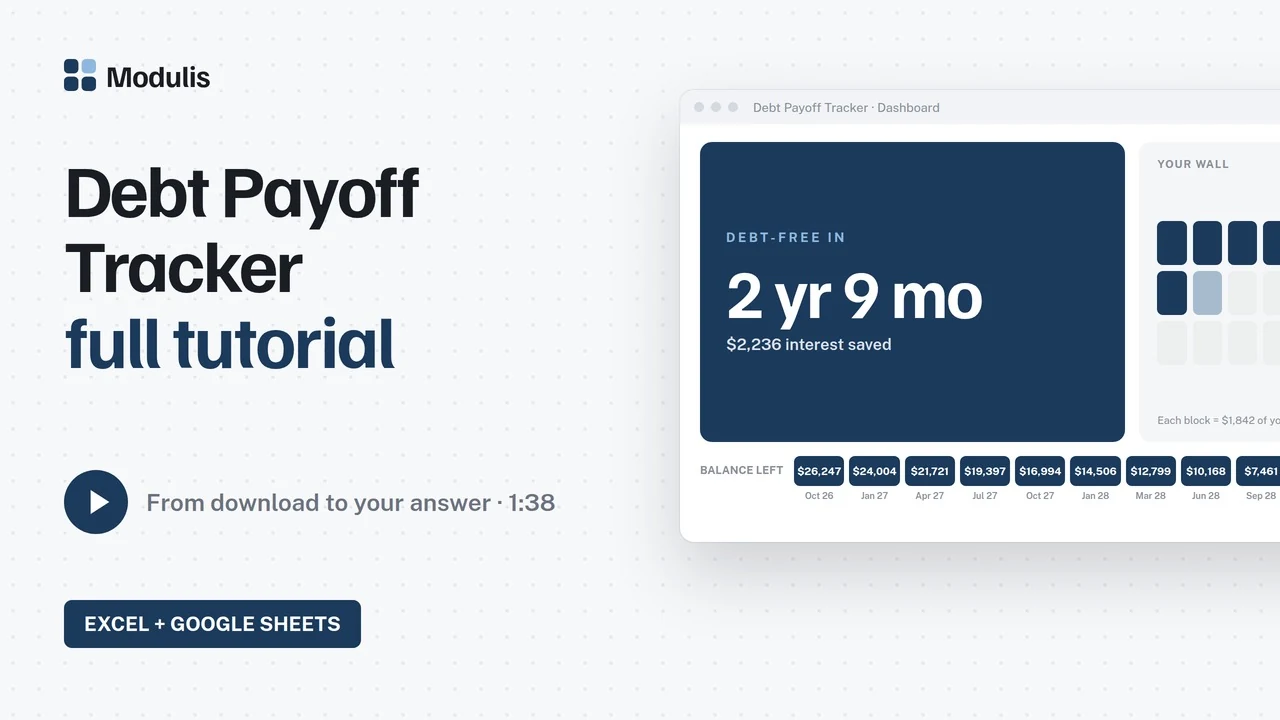
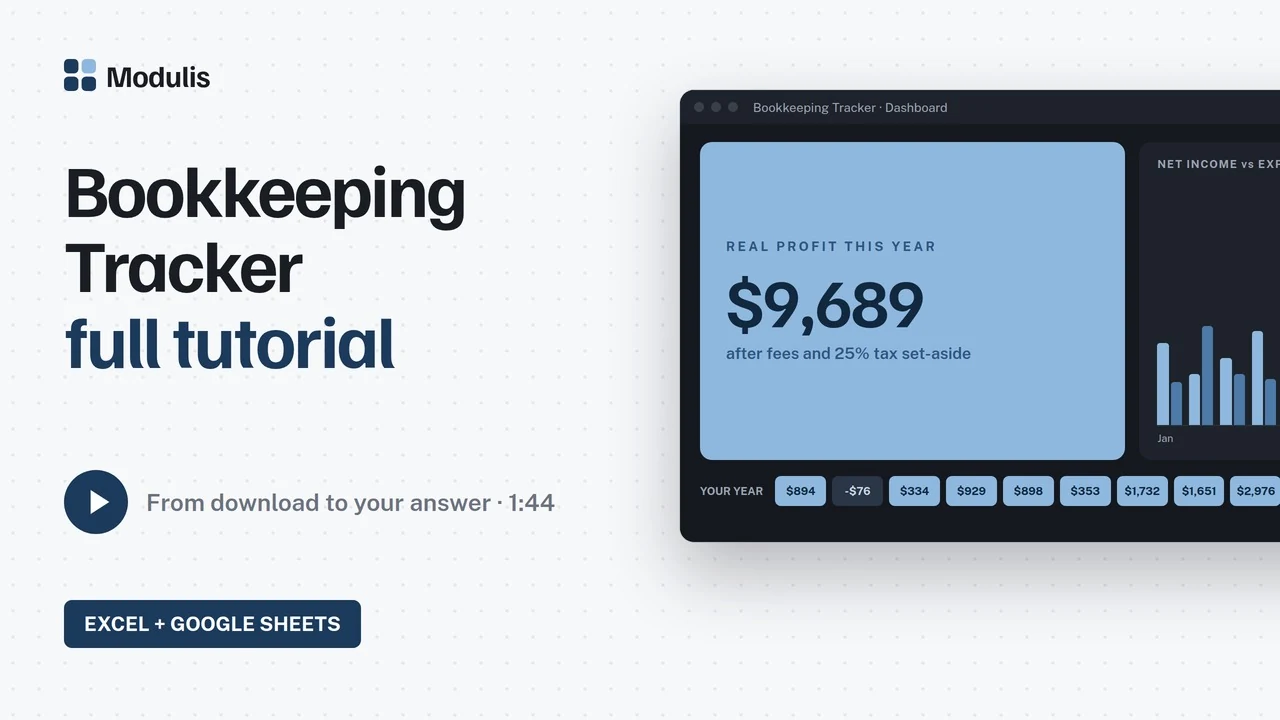
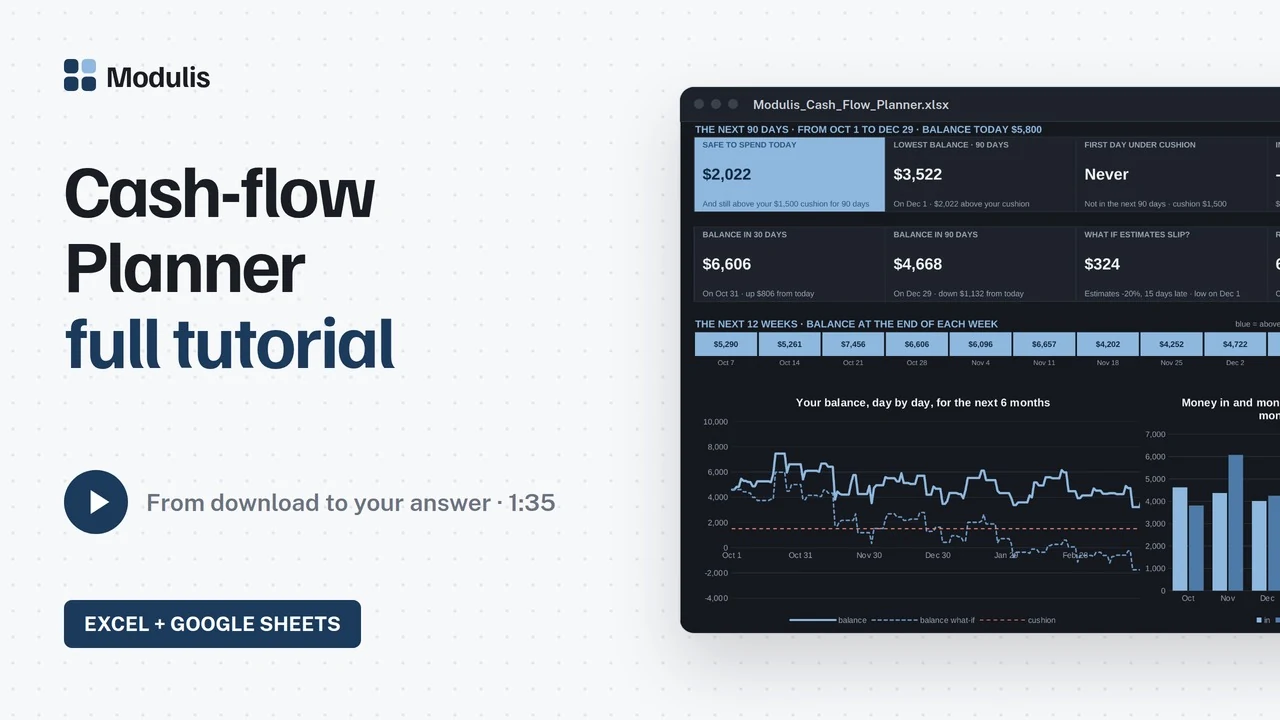
Already bought a file?
All the help for buyers Everything for buyers, in one place.
Your Google Sheets copy
Page 1 of your Quick Start PDF has the link. One click makes your own copy in your Drive.
Video tutorials
Every file has one, from download to your answer, in under two minutes.
Free updates
Your version is in the Start Here tab. New versions are free, where you bought the file.
A real person answers
Something does not work? Write to us and we'll fix it. No ticket system, no bot.
FAQ
Quick answers.
How does the download work, and what do I get?
You buy on Etsy or Gumroad and download two files right away: the Excel file and the Quick Start guide (PDF). Page 1 of the PDF holds your links: one click makes your own Google Sheets copy, another opens the video tutorial. No shipping, no waiting.
Does it work in Excel and Google Sheets?
Yes, both come with every file. You need Excel 2016 or newer (Windows or Mac), or a free Google account for Google Sheets. No add-ins, no macros. The files are made for a computer screen.
Do I need spreadsheet skills?
No. You type your numbers in the yellow cells only; the formulas are already built. The Quick Start guide and the video tutorial show the whole setup, about 5 minutes.
Does it work with my currency and my country?
Yes. You type your currency symbol once in Setup and the whole file uses it: $, €, £, CHF or anything else. Rates, fees and categories are yours to set.
Is there a subscription or an account?
No subscription and no Modulis account. You pay once and the file is yours; the Excel file works offline. Google Sheets needs a free Google account. Updates to a file you bought are free.
How do free updates work?
Every file shows its version in the Start Here tab. When a file improves, download it again where you bought it. The updates page lists every version.
What if something does not work? Can I get a refund?
Write to [email protected] and we'll fix it; a real person answers. Digital files cannot be returned once downloaded, but if a file does not do what its page says, we'll make it right: a fix, a new version, or a refund when we cannot fix it.
Is this financial advice?
No. Modulis files are planning and bookkeeping tools: they do the math on the numbers you enter. For tax rates and deductions, check with a professional where you live.
Pick your question. Read your answer on the first screen.
Excel and Google Sheets · one-time price per file · free updates · a real person answers